
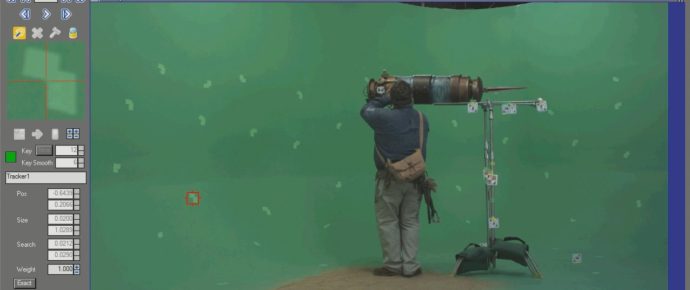
After Effects & SynthEyes Quick Tip: SynthEyes for AE 2D Tracker.
Quick Tip number two: Using SynthEyes to generate a 2D tracker in After Effects.
Trackback URL: https://www.vfxdaily.com/after-effects-syntheyes-quick-tip-syntheyes-for-ae-2d-tracker/trackback/
10 Comments
Thanks for the tut on syntheyes. Is there a place I can find back plate info on various cameras? I use a Cannon 5D Mark III and would love that info. I also use a Panasonic P2 camera and occasionally a RED.
You can always just Ctrl+C and Ctrl+V it if you want to save time but I suppose that keeping a copy of it is better incase you lose your work or something, anyways, good work!
Alex Harris
Videographer
http://azcorporatevideo.com
Hi, thanks for the tutorial, one question: Can I use this Solid to stabilized the Footage?
Hi, you can do stabilization but not with just the solid. More work would be required.
nice tips thanks JOSH
Thanks ico.
Nicely done, Josh!
I think it’s also possible to select the tracker in Syntheyes, hit CTRL C, go into AE, select your solid layer, and hit CTRL P, without exporting and saving anything. I’m pretty sure I remember doing that on a project. 🙂
Thanks Sean for the comment. Yes, I’ve used that method previously but I prefer to have a saved file I can reference at any time on my hard drive. I use that same workflow with Mocha AE (mocha import script is nice too). I’m pretty obsessive compulsive when it comes to VFX jobs lol.
Definitely well done! 😀 Keep up the great tuts! I learn everytime!
Thanks Sam :).
Please add widgets to the "Blog Sidebar" sidebar area in Appearance / Widgets menu.